
Start using the bot in 4 steps
Four steps to put Becca to work in your group: see every command, tag everyone, add automatic messages and set up the rest from WhatsApp.

Step by step
4- 1
See every command
Join the group and send

The bot will show you every command. If you would rather nobody saw the menu, send it in the chat with the number where you put the bot.
- 2
Tag everyone
Join the group and type , either replying to a message or typing a text.

The message the bot repeats tags everyone. If you want the @ to show in the message, use .
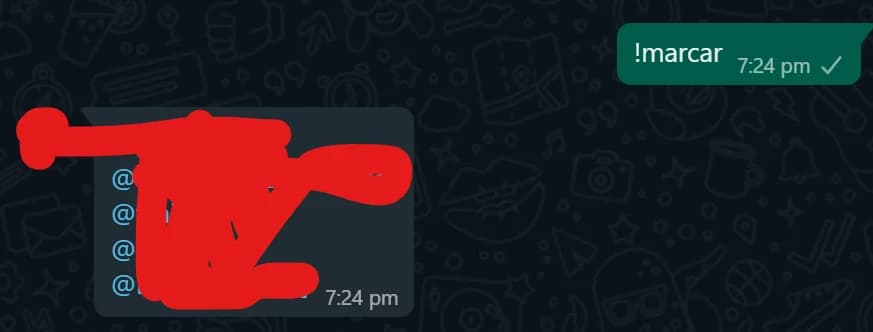
- 3
Add automatic messages
Join the group and send
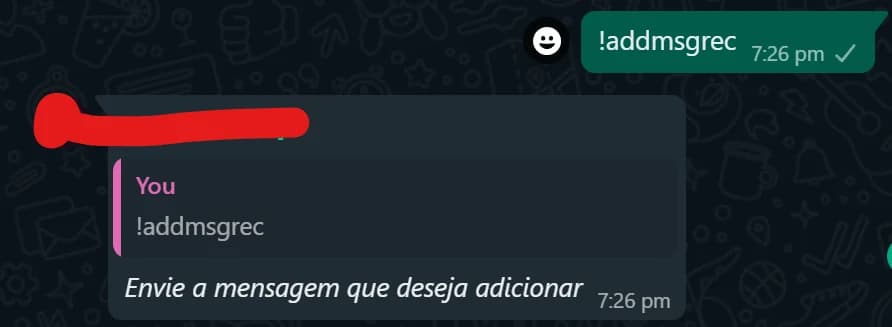
The bot will ask for the message, send it. Then the bot will ask for the sending interval and when you want the sending to start.
To remove an automatic message use:
- 4
Set up the other features
Open this contact: talk to Becca on WhatsApp
Then send Oi.
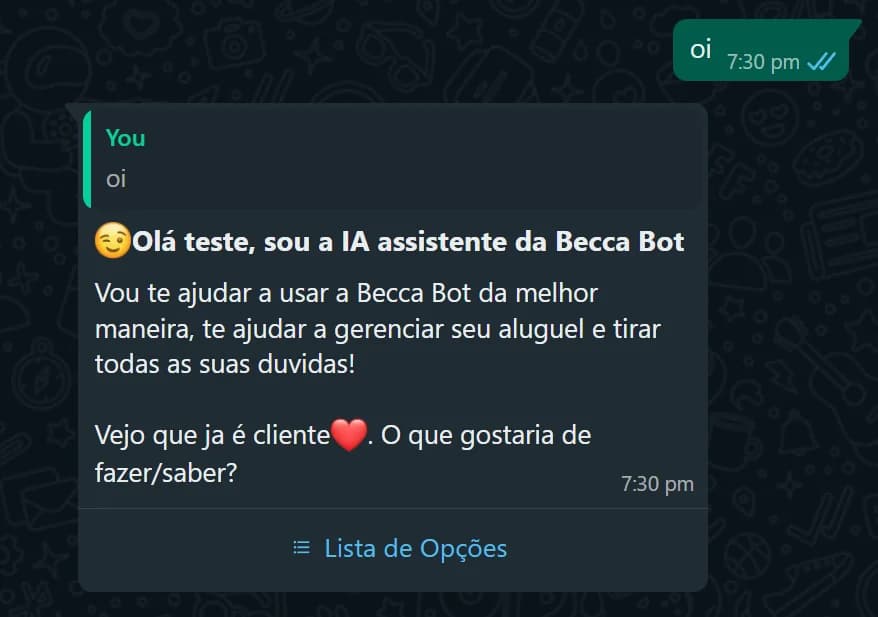
Tap Lista de Opções.
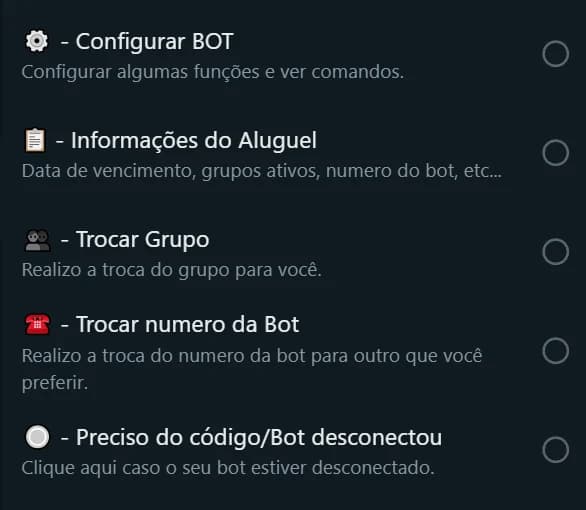
These are all the options available to set up your bot. To set up the group features tap Configurar BOT.
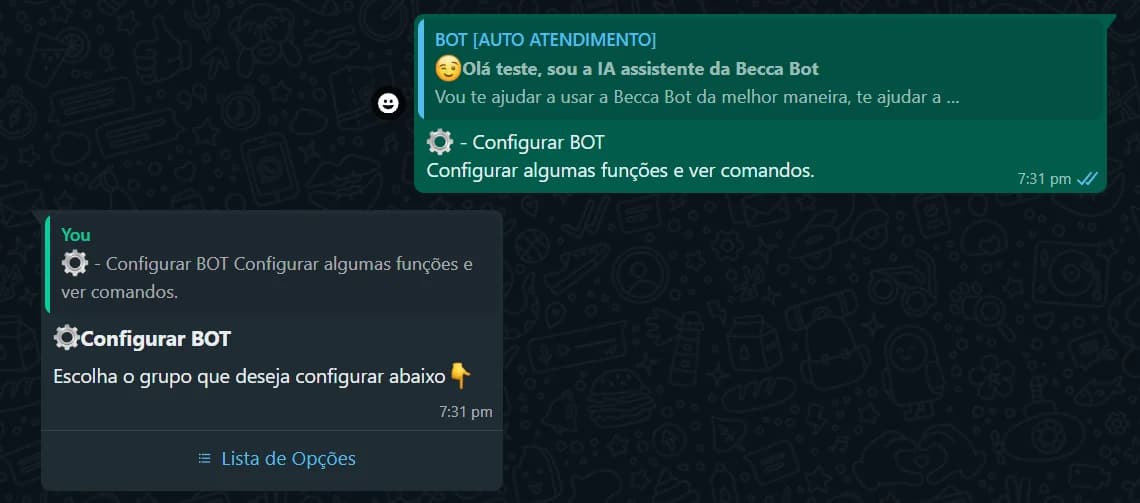
Pick your group from the list, it may show up as Não Encontrado.
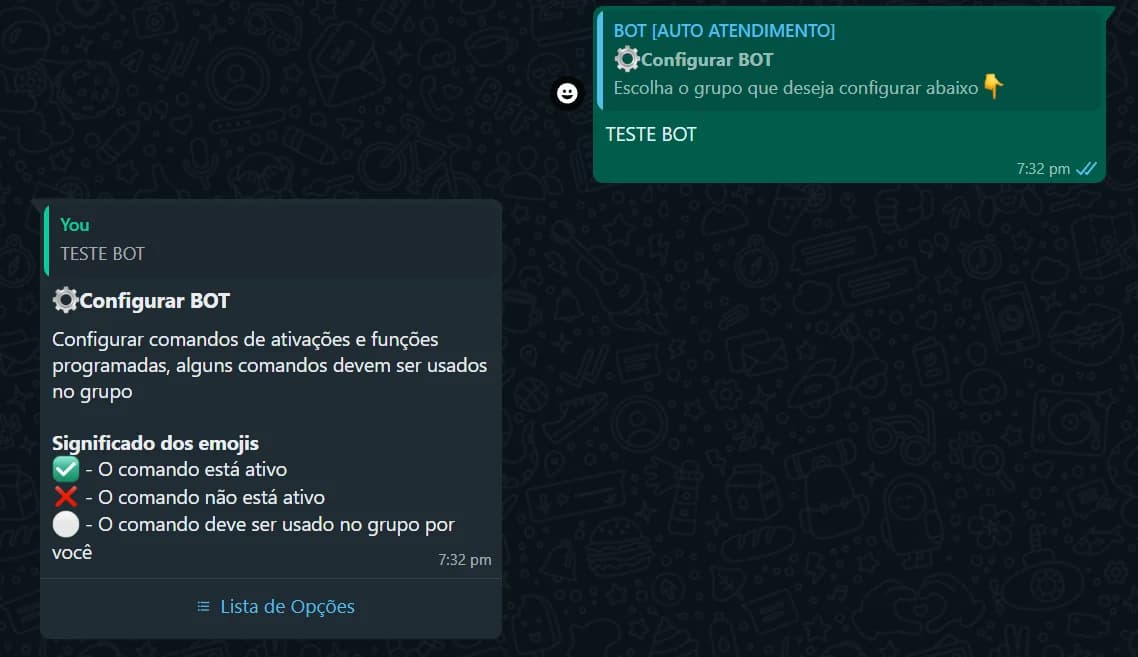
These are all the options you can set up. The blank ones have to be set up inside the group.

Ready to start?
Create your account and put Becca in your group in a few minutes.